يستخدم هذا الموقع ملفات تعريف الارتباط "cookies"
يستخدم هذا الموقع ملفات تعريف الارتباط. لمزيد من المعلومات حول كيفية استخدامنا لملفات تعريف الارتباط ، يمكنك قراءة إشعار الخصوصية وملفات تعريف الارتباط الخاص بنا. ملفات تعريف الارتباط وسياسة الخصوصية

يستخدم هذا الموقع ملفات تعريف الارتباط. لمزيد من المعلومات حول كيفية استخدامنا لملفات تعريف الارتباط ، يمكنك قراءة إشعار الخصوصية وملفات تعريف الارتباط الخاص بنا. ملفات تعريف الارتباط وسياسة الخصوصية
/product/62/1560531/1.jpg?4626)
/product/62/1560531/2.jpg?4626)
/product/62/1560531/3.jpg?4626)
/product/62/1560531/4.jpg?4626)
/product/62/1560531/5.jpg?4626)
/product/62/1560531/6.jpg?4626)
Few units left

يمكنك إرجاع المنتج مجانًا خلال 14 يوم من الاستلام إذا كان مؤهلًا للإرجاع. يجب الإبلاغ عن أي عيوب ظاهرية خلال 48 ساعة.لمزيد من التفاصيل راجع سياسة الإسترجاع
OLBAC EGYPT
80%تقييم البائع
88 المتابعين
معدل سرعه توصيل الطلب: ممتاز
تقييم الجودة: ممتاز
تقييم العملاء: جيد
معدل الإلغاء: ضعيف
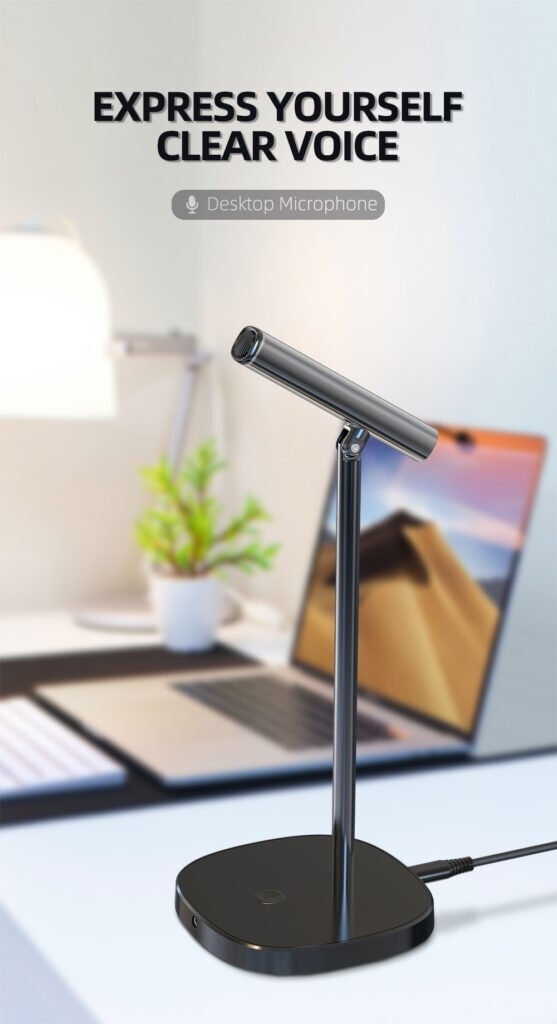
1. The product can be used when it is powered on.
2. Listen ON/OFF
Go to the computer [Sound] > [Select Input Device], set the product as the input device.
Click [Device Properties] > [Other Device Properties] to open the Microphone Properties dialog box.
Input
Choose your input device
(GM9)
Certain apps may be set up to use different sound devices than the one selected here. Customize app volumes and devices in advanced sound options.
Device properties
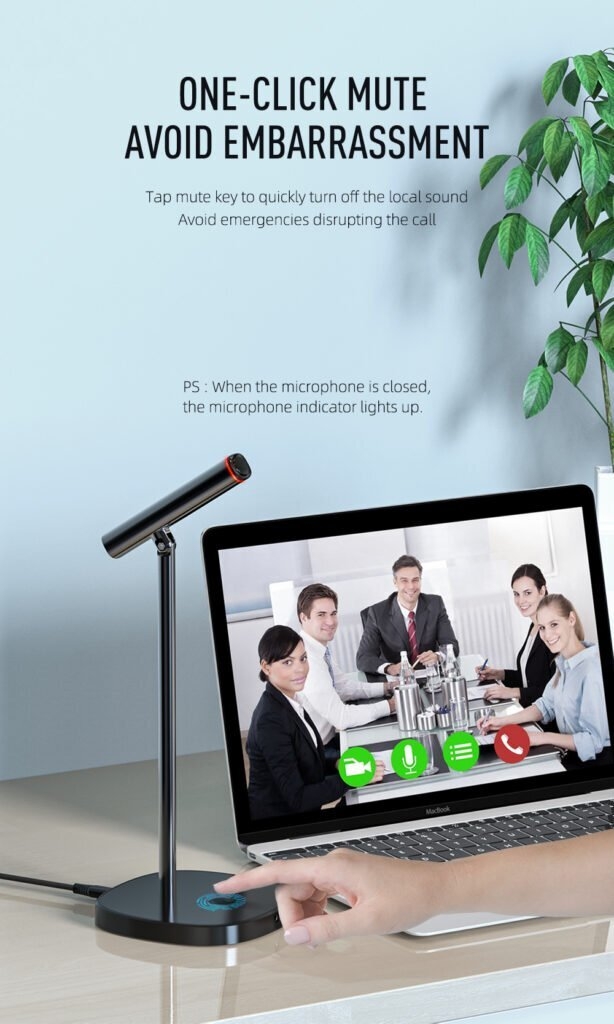
3.Click [Listen], check [Listen to this device], set [MC001] as the current speaker of the computer, and save the settings.
3. Mute/Noise Switch
Function
Turn on/off Mute
Turn on/off Noise Reduction
Operation
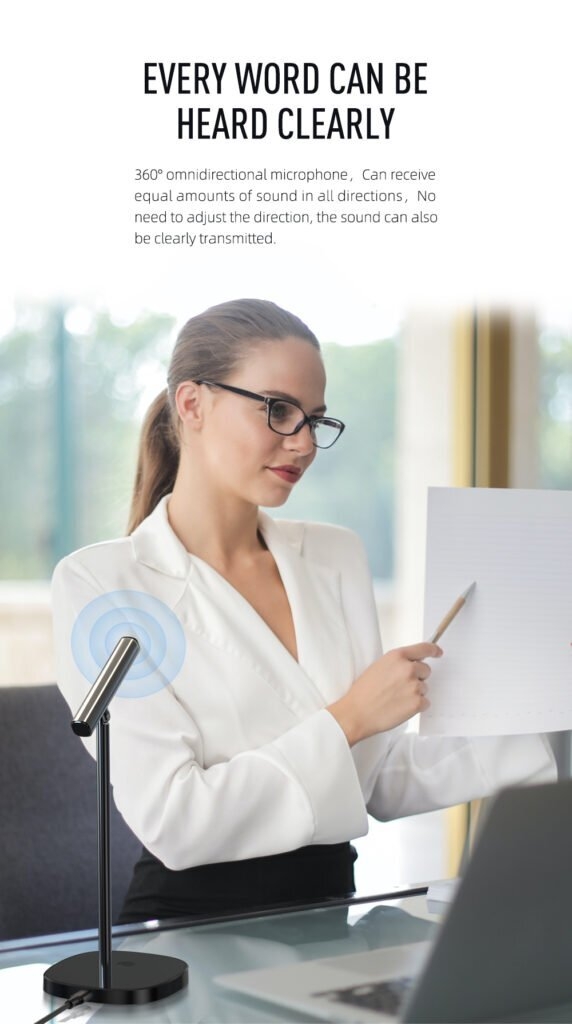
Press the mute button once
Press the noise button for 3 seconds
Indicator light
Red light is on/off
The red-light flashes fast 2 times/3 times
1. Please unplug the power cord when the product is not used for a long time.
2. Do not tap the microphone during use to avoid damaging the components and affecting the sound quality.
3. The best distance for microphone pickup is 3-10cm. Do not use the microphone with your mouth.
1. Sampling rate: 24bit/48KHz
2. Directions: omnidirectional
3. Frequency response:
100-15000Hz
4. SNR: >72dB
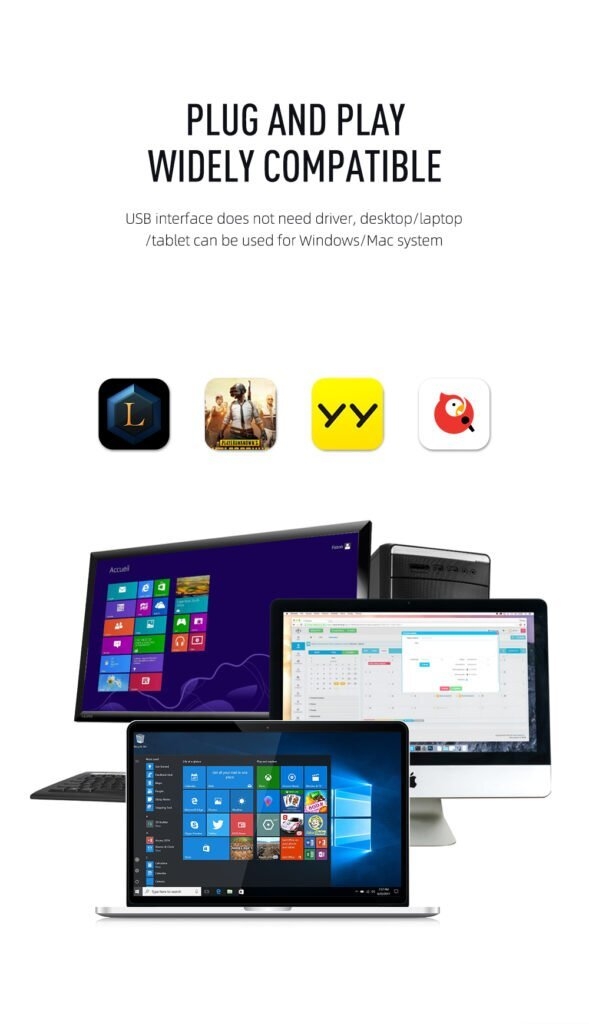
5. Compatible systems: Windows 7/8.1/10/Linux/macOS, etc
6. Compatible devices: PC devices and mobile phones
Desktop*1
USB-C data cable*1
Connection diagram
Microphone
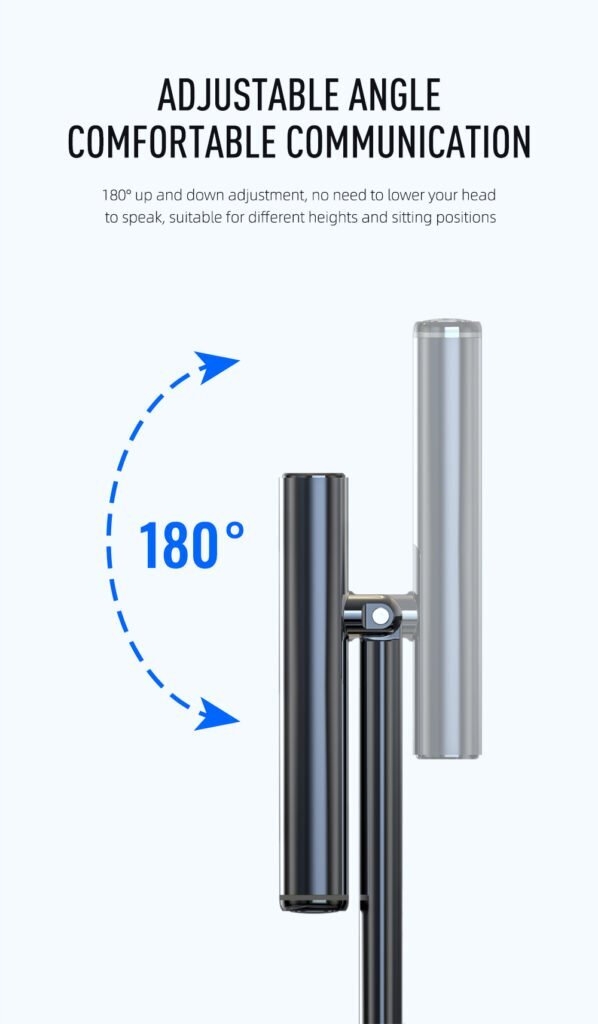
(Adjustable angle for voice pickup)
Indicator light
Mute/Noise button
3.5mm monitoring port
USB-C port
207m mm
USB cable
Computer Phone
Note: When connecting the mobile phone, please use it with an OTG adapter
GM9 General Condenser Microphone
frequency response: 100-15000HZ
compatible: pc -mobile phone
SNR: >72db
sampling rate: 24bit/48KHz

لم يتم تقييم المنتج بعد
/product/62/1560531/1.jpg?4626)